Create a homelab network without Ethernet?
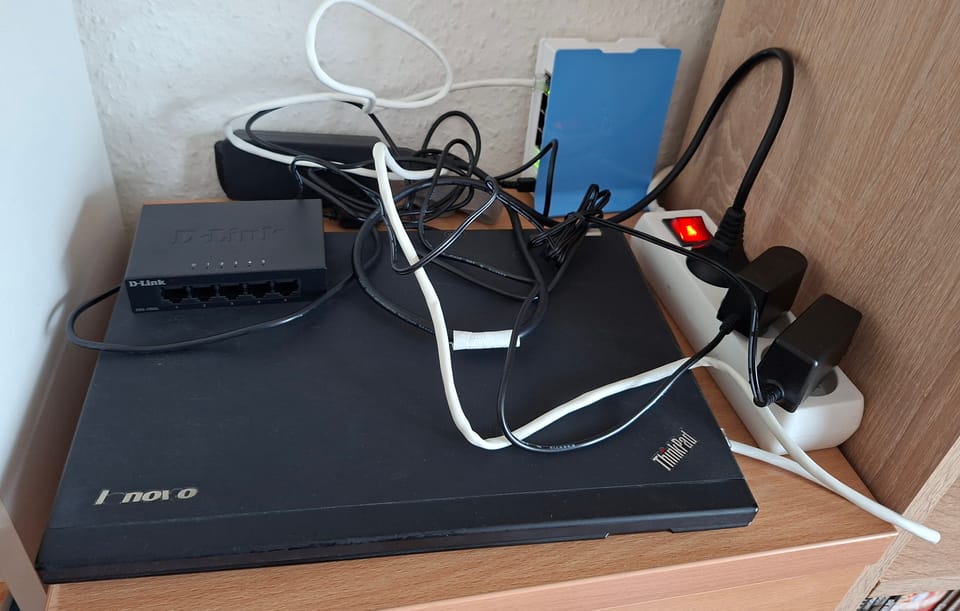
There is no doubt that a homelab without an internet connection is... well, not particularly usable. I've got internet at home (surprise surprise), but still, the main router is in an entirely different part of my flat. I don't control it and cannot log into it to change anything, let alone connect my homelab computer into it via an Ethernet cable. I only have a Wi-Fi connection to that router, which works for practical usage purposes, but is not a viable solution for a homelab. A server *must* have a wired connection, to ensure stability, high throughput and predictability.
Is there a solution? To be honest, nothing will replace a genuine Ethernet connection, and any alternatives will have their downsides. Hopefully, however, the solution I want to implement will be just *good enough* for the first months.
My devices
As already signalled in the previous post, I don't think that buying expensive hardware is justified at the beginning of the homelabbing journey. I'm starting the whole enterprise with ThinkPad X230, and I intend to expand on it if and only if I run into hardware limitations. This logic extends into networking. So, what devices do I have lying around?
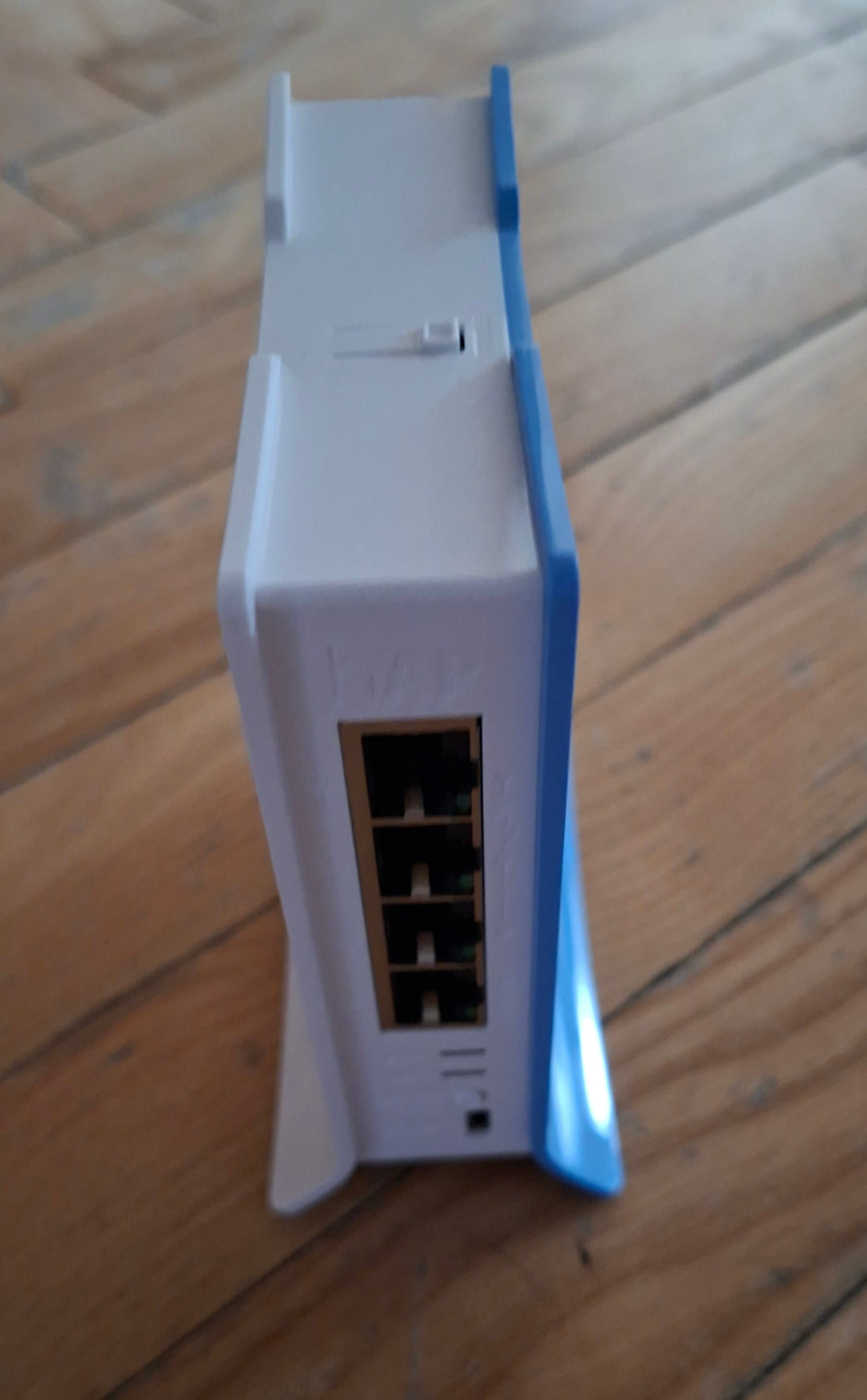
- MikroTik hAP Lite, a simple and cheap router/access point
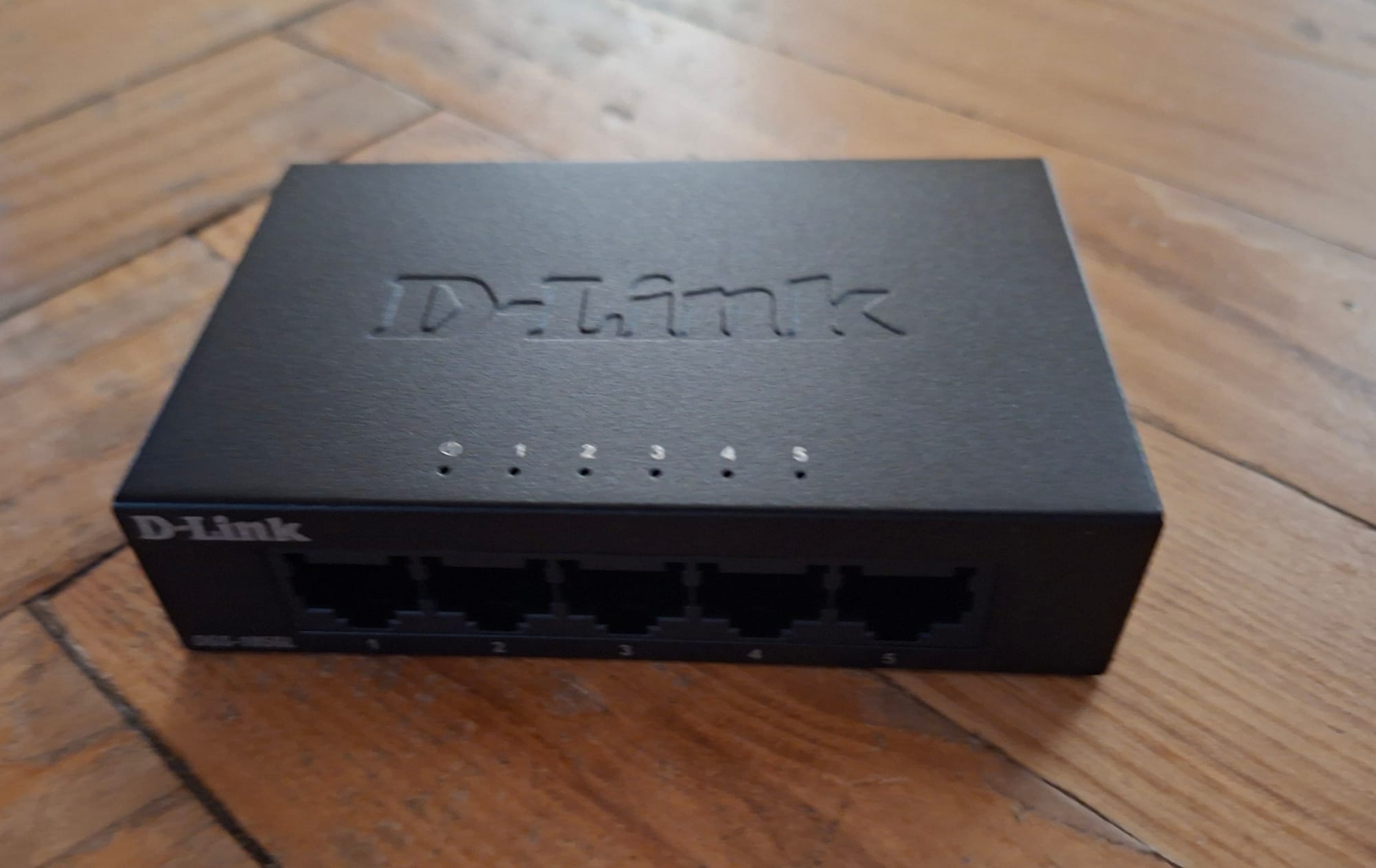
- D-Link DGS-105GL 5-Port Gigabit Desktop Switch - simple unmanaged switch
MikroTik as a *double agent*
Well, you need to start somewhere, right? MikroTik is not a beast, but has some handy functionalities. For instance, it may work as a 'double agent', which will receive Wi-Fi signal from the main router and create another network out of it. Then, I will be able to plug in all my homelab devices via patchcords to MikroTik. Still, the whole thing relies on Wi-Fi signal from the main router. Nonetheless, my X230 will be connected with a LAN cable, and internally, it will simply see an Ethernet connection. This solution still offers much more stability and reliability than connecting homelab devices via Wi-Fi to the main network!
Funnily enough, the secondary network created by MikroTik (which I named 'Valhalla' - I want the homelab to revolve around Nordic mythology) can be connected to not only via cable, but via Wi-Fi too. This creates loads of possibilities: the actual homelab hardware will be wired, but all of the client devices (like my MacBook) can still consume homelab services by connecting to Valhalla wirelessly.
Setting up the hAP Lite properly
In order to make all of the above possible, I set up MikroTik in the following way:
- I set up a 'wireless' interface to the main Wi-Fi network at home and called it 'wlan1' (by default). This interface needs to be put into the 'station pseudobridge' mode. It will receive signal from the main Wi-Fi network.
- I created a 'virtual' interface for the Valhalla network. It's put into the 'ap bridge' mode, and its master interface is 'wlan1'.
- I created a new bridge, and then I connected to it the four Ethernet ports on the router (ether1-ether4) and the newly created Virtual AP. At this stage, it is important not to add wlan1 to the bridge: this is strictly our WAN port.
- Then, I created an IP pool on the bridge for all the devices which will connect to the network (both wired and wireless). It is not planned to ever exceed 250 devices, so 192.168.88.1/24 is more than enough.
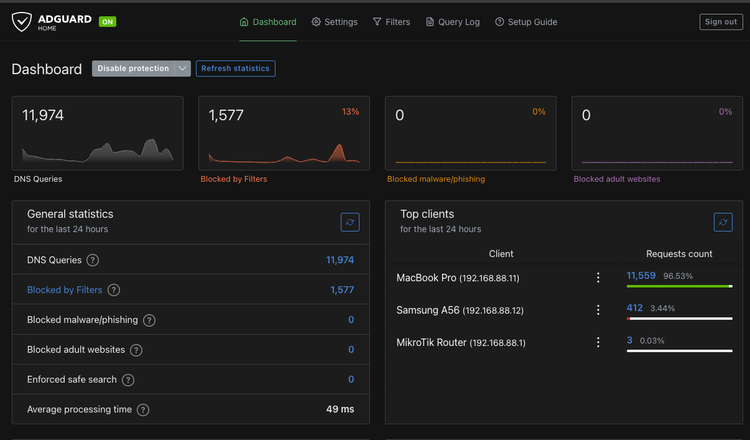
- At this stage, I was able to start creating a DHCP server on my MikroTik so that each connected device receives an IP. I associated it with the above IP range, set up the gateway to the router address, and (for now) set the DNS servers to 1.1.1.1 and 8.8.8.8.
Firewall rules on hAP Lite
I actually expected it to work properly: this is all a network should require. Yet, I could not connect to the internet from the client devices at all! After some debugging, I figured out that MikroTik correctly communicated with wlan1, and my devices are correctly connected to Valhalla, but underlying issues may be associated with the firewall and/or NAT setup.
Therefore, I decided to explicitly allow communication between the two wireless networks using firewall filter rules. I established the following rules:
- chain: forward, in. interface: bridge1, out. interface: wlan1, action: accept
- chain: forward, in. interface: wlan1, in. interface: bridge1, action: accept
Lastly, I made sure that my NAT settings are not influenced by interface constraints: the masquerade rule on `srcnat` chain should have a blank spot in the 'Out. interface' column.
Having applied these changes, FINALLY the internet started working: I connected X230 to Valhalla via an Ethernet cable, and connected to Valhalla via Wi-Fi from my MacBook Pro.
Got it!
Another success! Now, I can just close the lid of the Thinkpad and put it away. I can just SSH to it from any device on Valhalla and set up services directly from my Mac terminal.
Current state of the homelab
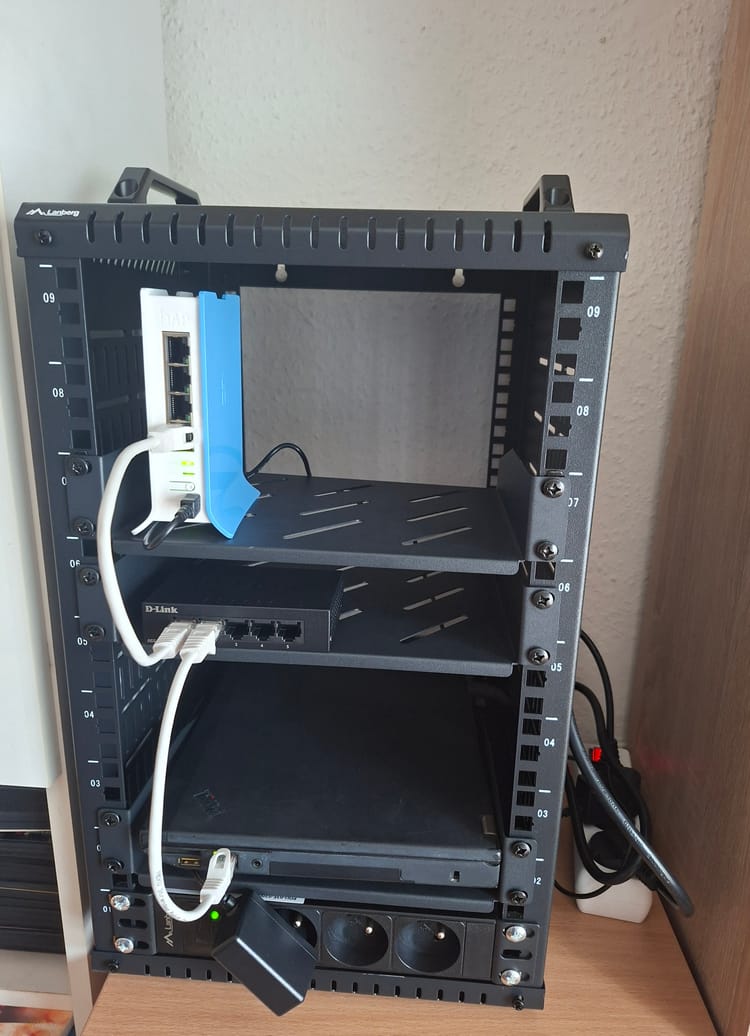
For now, I have a functional network, and one device connected to it: X230. Above, I also mentioned a D-Link switch. Interestingly, for the time being I just have one short LAN cable at my disposal, so I can't really put the switch into use. But... I've ordered some cheap stuff, such as a bunch of patchcords, so stay tuned for further developments!
Comments ()